Follow these simple steps to generate your ImageMetaPro API key:
Steps
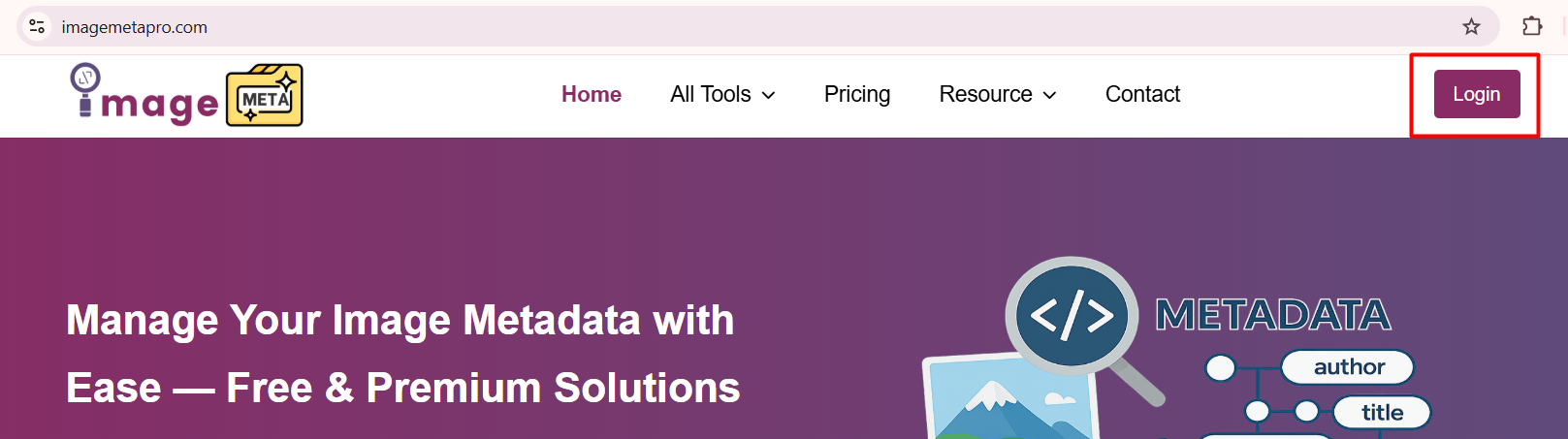
- Login to your ImageMetaPro account using your registered email and password.
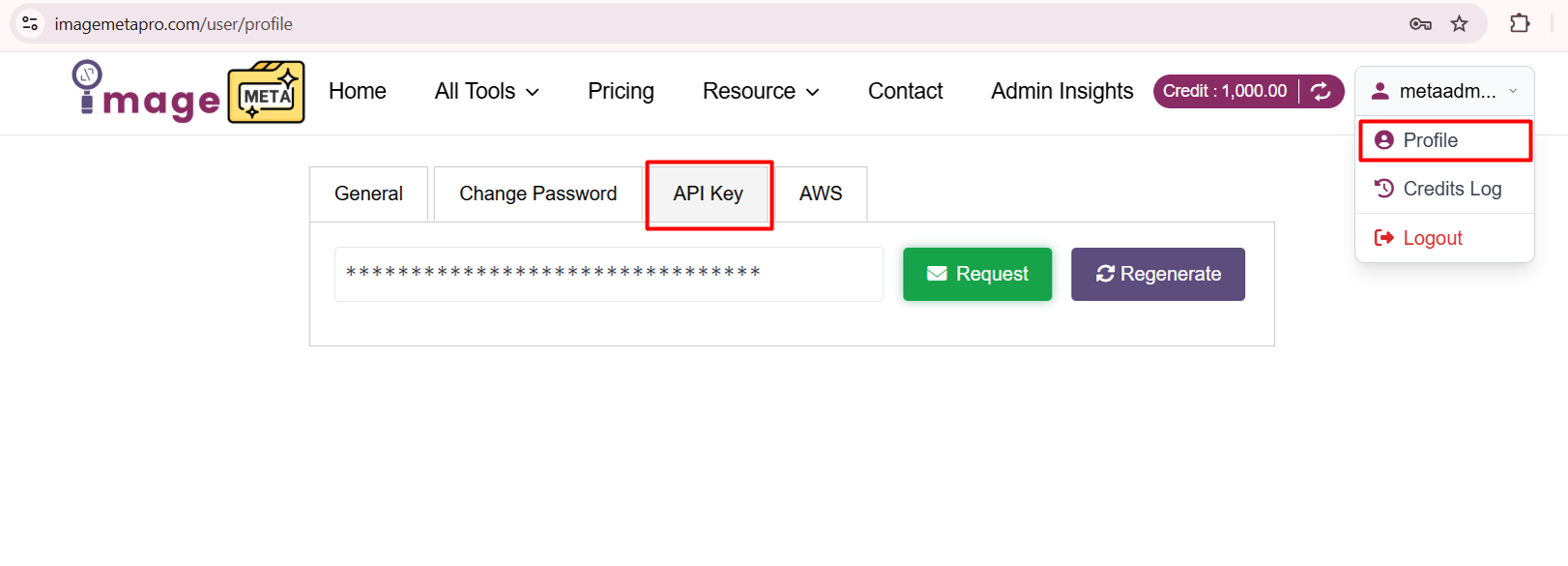
- Inside your Profile section, navigate to API Key.
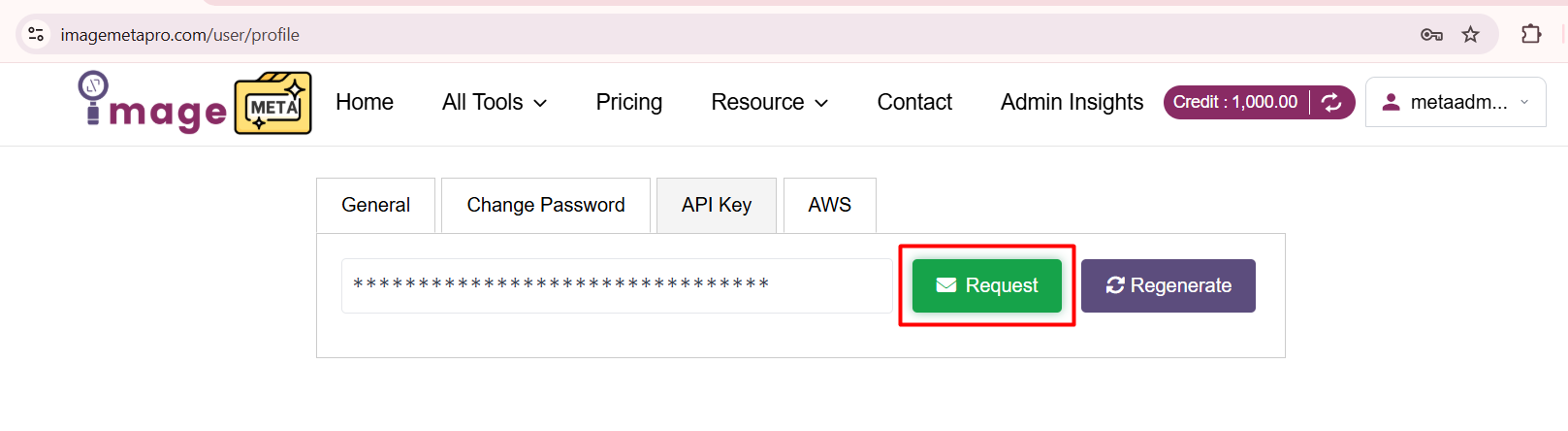
- In the API Key section, click the Request button to get a generated API key.
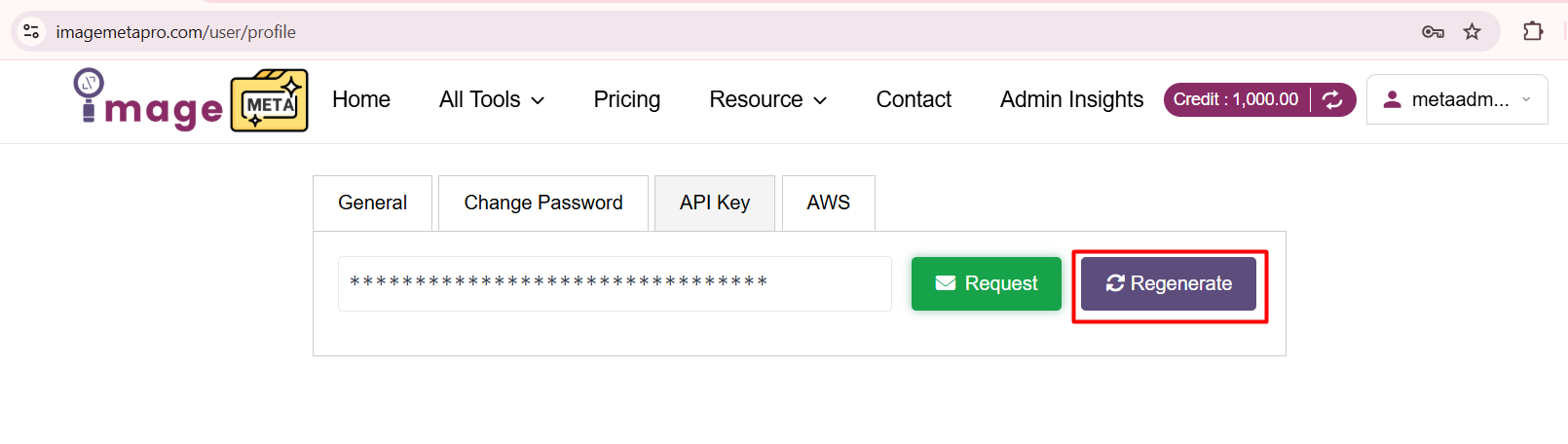
- If you need a new key, click the Regenerate button next to the Request button. This will invalidate your previous API key and create a new one. (if needed)
Once generated or regenerated, you will receive an email notification containing your API key. Copy the generated API key and use it in your API requests to authenticate and access the ImageMetaPro services.
Where You Can Use Your API Key
Your API key is required to authenticate requests when accessing ImageMetaPro API services, including viewing, editing, managing, or retrieving image metadata programmatically. It ensures secure access to your account data when integrating ImageMetaPro with your applications, tools, or external systems.