Connect your own AWS S3 bucket to ImageMetaPro to store and manage your metadata images securely within your own AWS environment.
Steps
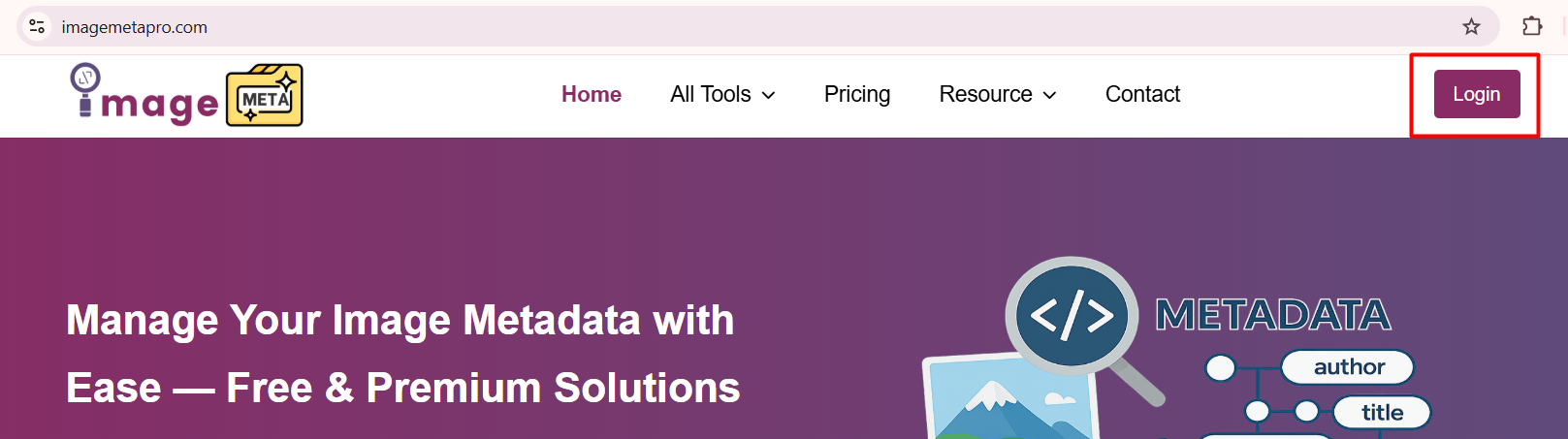
- Login to your ImageMetaPro account using your registered email and password.
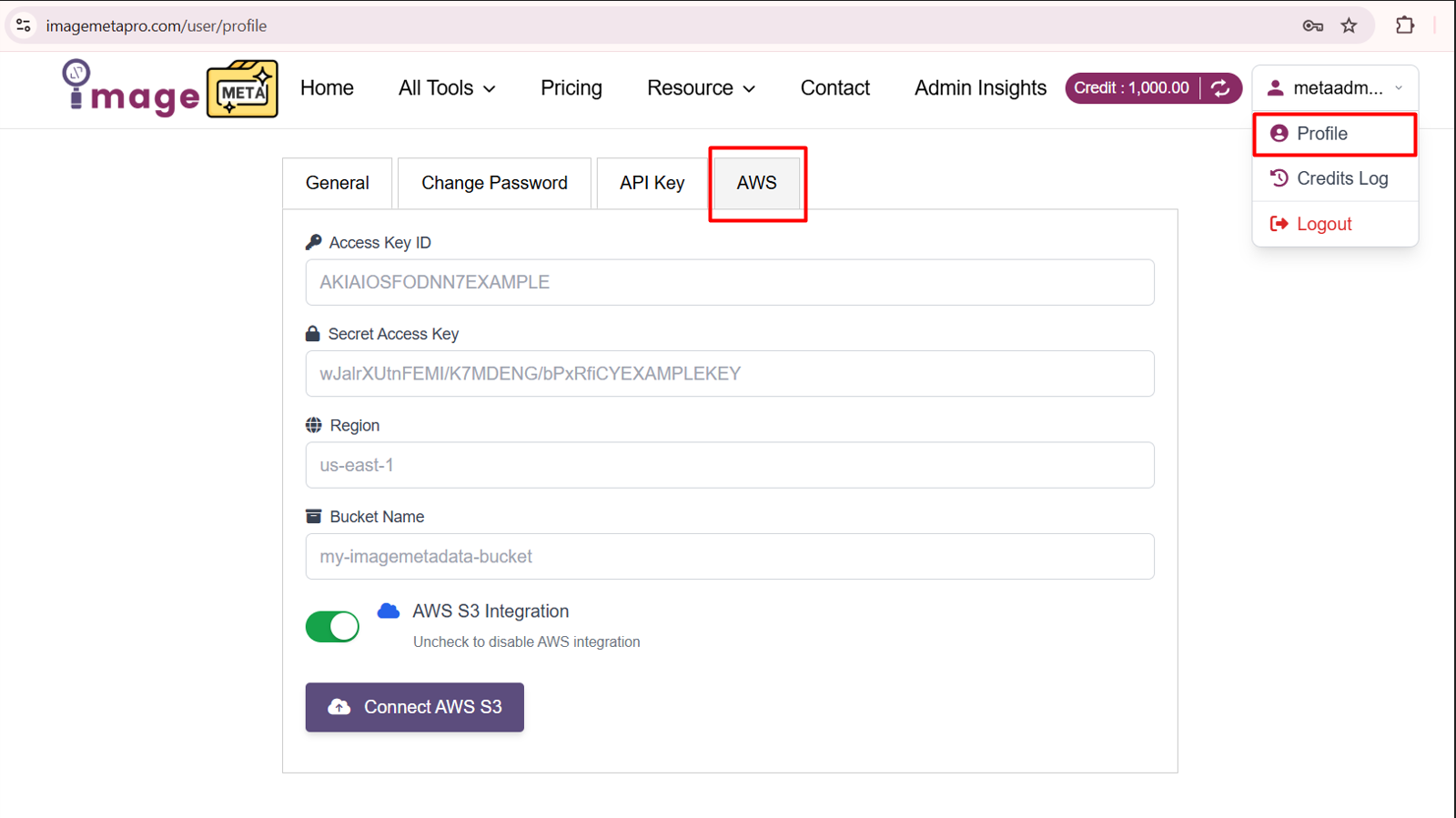
- Inside your Profile section, navigate to AWS tab.
- In the AWS section, enter the following details:
- Access Key ID
- Secret Access Key
- AWS Region
- S3 Bucket Name
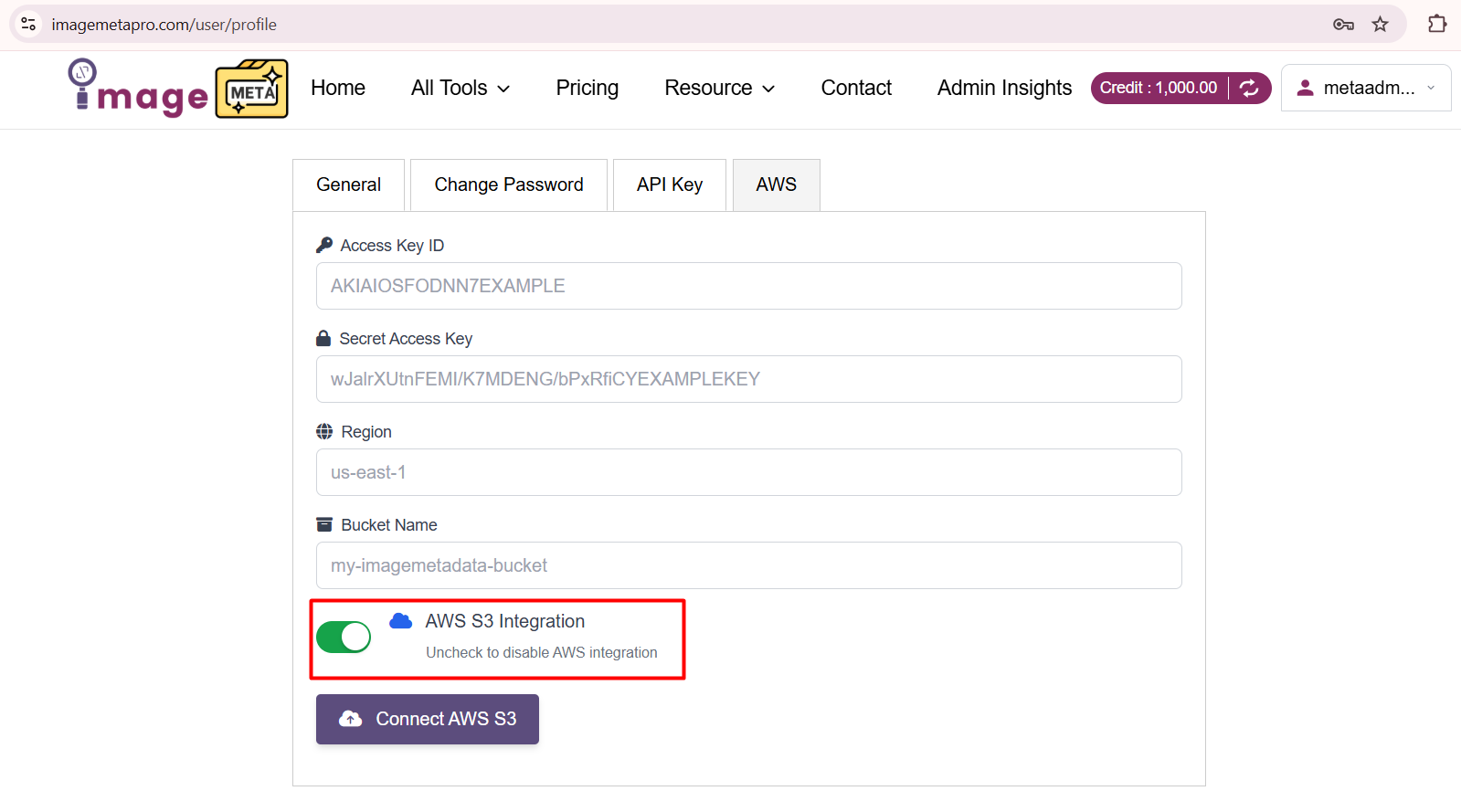
- Enable the AWS S3 Integration toggle.
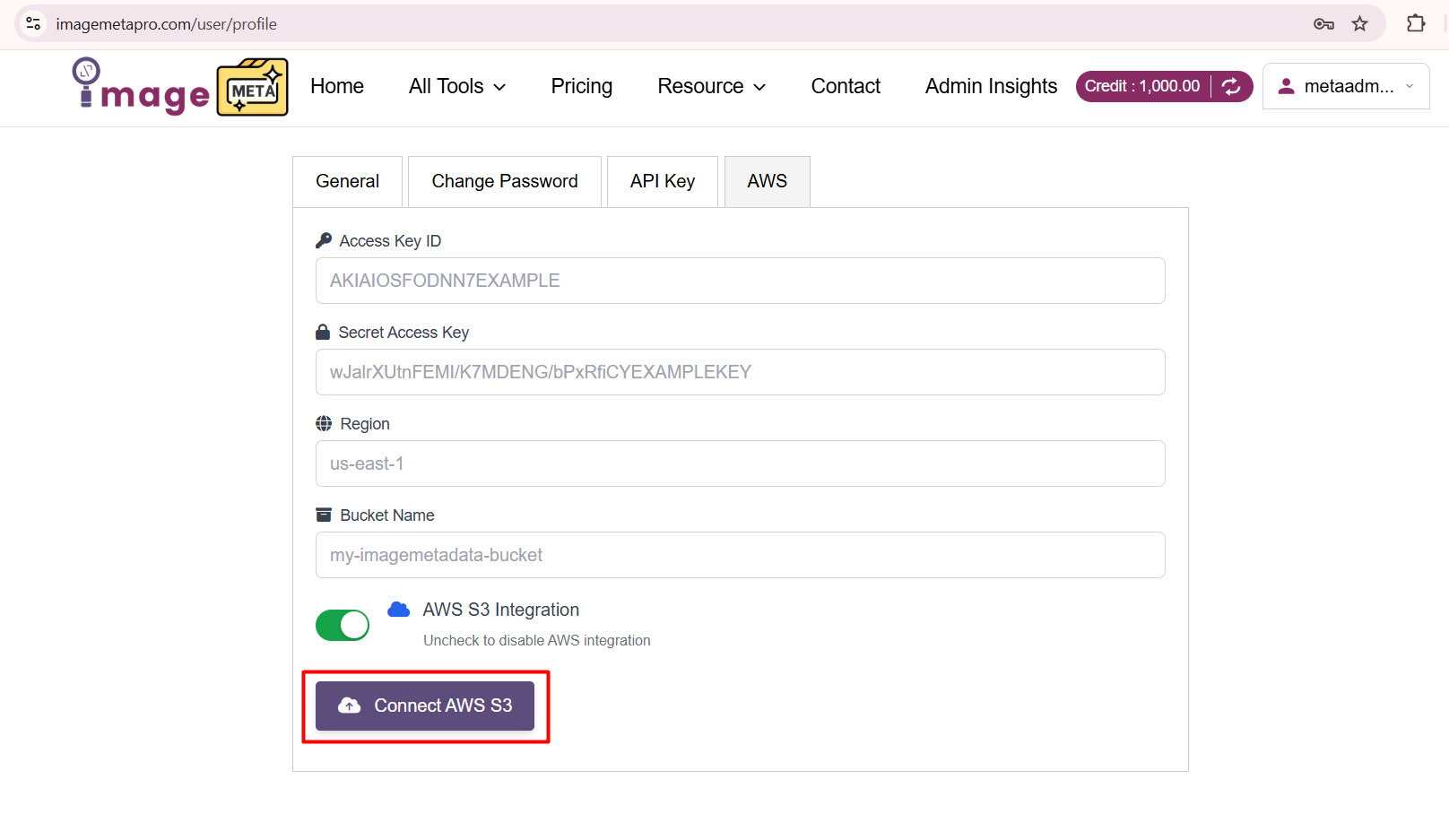
- Click the Connect AWS S3 button to save and activate the integration.
What This Does
Once connected, You will use your configured AWS S3 bucket for storage operations based on your account setup. This gives you greater control, privacy, and flexibility over your data.