How Ecommerce Stores Can Use Metadata to Organize Product Images
Product images are essential for any ecommerce store—but managing a growing image library can quickly become chaotic. This article explores how ecommerce businesses can use image metadata to stay organized, streamline workflows, and boost efficiency. Learn how to embed SKUs, track edits, improve SEO, and audit your image assets with ease—whether you're running a small boutique or a large online marketplace.
Last updated on May 27, 2025
Table of Contents
If you manage an ecommerce store, you know how important product images are. They help customers visualize items, make purchase decisions, and build trust in your brand. But as your store grows, so does your image library—and things can get messy fast.
That’s where image metadata comes in.
In this article, we’ll show you how ecommerce stores—big or small—can use image metadata to save time, stay organized, and improve their product workflows.
Why Is Metadata Useful in Ecommerce?
As an ecommerce business, you likely deal with a large number of images for:
- Products and their variants.
- Promotions and sales events.
- Social media and advertising.
- Blog content and how-to guides.
- Customer reviews and galleries.
With image metadata, you can:
- Track where and when an image was taken or edited.
- Identify which product or category it belongs to.
- Check image quality and resolution before publishing.
- Make image search and retrieval faster.
- Protect your brand by verifying image sources and copyright info.
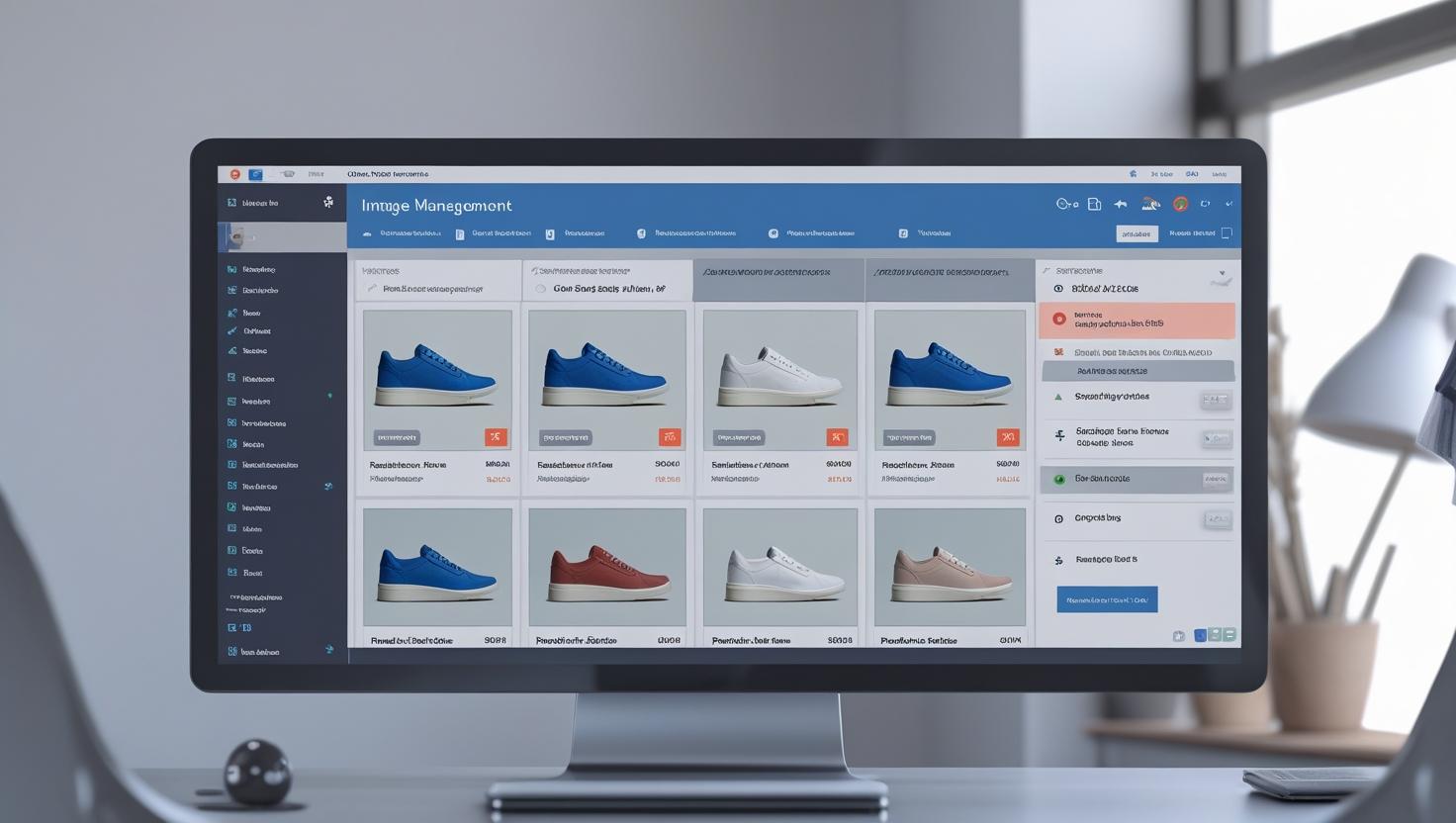
Organize Product Images by Category or SKU
One of the simplest and most effective uses of image metadata is to embed product identifiers like SKUs, category tags, or product names directly into the file.
For example, if you sell 200 types of sneakers. Each pair has a SKU like SNK-001-BLK. By embedding this SKU into each product photo’s metadata, your image library becomes instantly searchable by SKU—even if filenames change or get moved.
This is especially useful for large inventory catalogs, dropshipping platforms, or when working with external photographers or marketing teams.
Organize by Category, Brand, or Season
Metadata can includekeywords or tags that describe the product’s category, brand, style, color, or collection. This allows you to group images logically and find what you need quickly.
Example: If you're running an apparel store and preparing a seasonal campaign. You can search for images tagged “Summer 2025” in metadata and instantly pull up the relevant visuals. No more digging through folders or guessing filenames.
Even if your product images are stored across multiple cloud systems or hard drives, metadata acts as a built-in organizing system that stays with the image wherever it goes.
Track Edits and Version History
Many ecommerce stores edit their product photos before publishing—cropping, resizing, changing background colors, adjusting brightness, etc. If you work with designers or agencies, keeping track of edits can be tricky.
Luckily, editing software like Adobe Photoshop or Lightroom adds details about the software used, export dates, and changes to the metadata
Let’s say you've just received a batch of edited photos from your design team. By viewing the metadata, you can check which software was used, when the file was last modified, and compare versions to ensure everything is production-ready.
This avoids confusion and ensures you’re uploading the latest, highest-quality images to your storefront.

Improve SEO with Metadata Descriptions and Keywords
Search engines like Google often analyze image metadata to better understand on-page content. Including descriptive metadata such as product names, brand, and features can slightly boost SEO—especially in image search.
Luckily, editing software like Adobe Photoshop or Lightroom adds details about the software used, export dates, and changes to the metadata.
An image with metadata like
Title: Organic Cotton T-shirt,
Keywords: eco-friendly, sustainable, soft cotton.
This helps search engines recognize what the image is about and improves internal search capabilities on your ecommerce platform.
Quickly Audit Your Image Library
As your store grows, your image library can easily become chaotic. You might have duplicate photos, outdated shots, or unbranded content still sitting in your folders.
With metadata, you can audit and clean up your image library quickly by searching and filtering:
- Photos missing certain tags or sizes.
- Images taken before a certain date.
- Files edited with specific tools.
- Files without copyright data.
This is especially helpful when preparing for website redesigns, inventory changes, or marketing campaigns.
.png)
Metadata may seem like a small technical detail, but for ecommerce stores, it offers big organizational benefits. When your product images are properly tagged, labeled, and searchable, you save your time, improve accuracy, and keep your store looking sharp and professional.
Want to see what’s hidden inside your product images? and start organizing smarter today!