What Is Image Metadata and Why Does It Matter?
Image metadata is the invisible layer of information that travels with your photos, helping you organize, edit, and protect them. Find out how to explore this data using our free viewer.
Last updated on May 19, 2025
Table of Contents
Have you ever taken a photo with your phone or digital camera and uploaded it online without giving it much thought? That photo likely contains more than just the image you see—it also includes metadata. But what exactly is image metadata, and why should you care about it?
In this article, we'll break down what image metadata is, why it matters, and how you can easily view it using our free tool, image metadata. Whether you're a photographer, a digital marketer, or just someone curious about what's hidden in your photos, this guide is for you.
What Is Image Metadata?
Image metadata is the set of data embedded within an image file that describes details about the image itself. It’s like a digital note attached to every photo, recording things you might not realize are there.
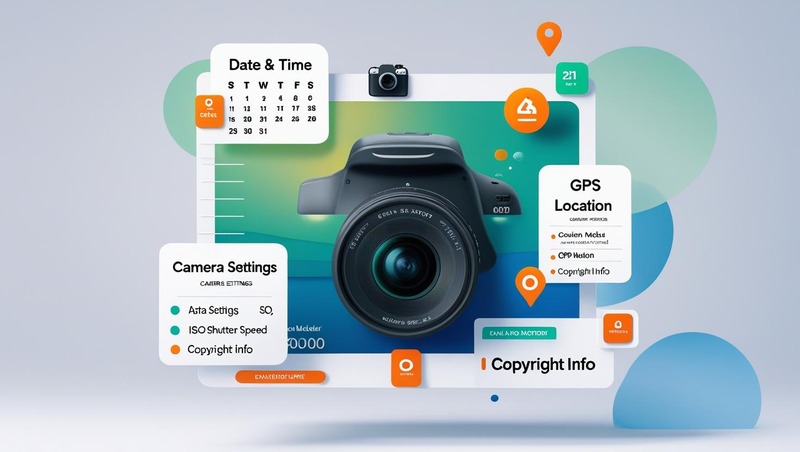
This metadata is not usually visible unless you specifically look for it. It can include:
- Date and time the photo was taken
- Camera settings (like shutter speed, aperture, ISO)
- Camera model and brand
- Location (GPS coordinates) if location services were on
- Copyright information
- Editing software used
This data is stored inside the image file and travels with it wherever it goes—whether you upload it to social media, email it to someone, or store it in the cloud.
Types of Image Metadata
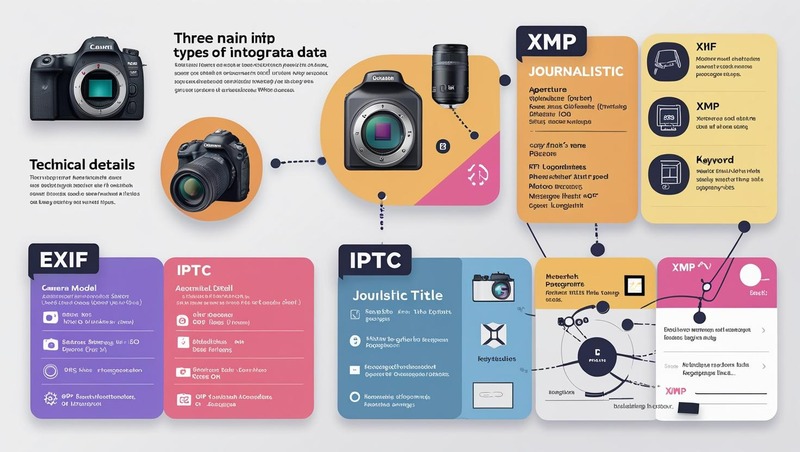
There are different kinds of metadata embedded in image files. Here are the most common types:
EXIF (Exchangeable Image File Format)
This is the most common type of metadata found in photos taken with digital cameras and smartphones. It includes technical information like:
- Camera model
- Exposure settings
- Flash usage
- GPS coordinates
IPTC (International Press Telecommunications Council)
This metadata is often used by journalists and photographers. It contains information like:
- Title or description of the photo
- Photographer’s name
- Copyright details
- Keywords and tags
XMP (Extensible Metadata Platform)
Developed by Adobe, XMP is a flexible format used in many editing programs like Photoshop and Lightroom. It can store a wide range of metadata, including both EXIF and IPTC information.
Why Does Image Metadata Matter?
You might be wondering—why should I care about metadata if it’s just behind-the-scenes data?
Well, here are some very good reasons why image metadata matters:
Privacy and Security
When you upload a photo online, the embedded metadata can reveal your location, the time the photo was taken, and the device you used. If GPS is enabled, someone could track where you’ve been or where you live. That’s why it’s important to review and clean metadata before sharing images publicly.
Photography and Editing
For photographers, metadata is a goldmine. It helps you understand how a photo was taken, so you can replicate or improve it in future shoots. If you're editing images, metadata can show the history of edits or help organize your files more efficiently.
Legal and Copyright Issues
If you're a content creator or photographer, metadata can help prove that you own an image. By embedding copyright details and your name in the metadata, you create a digital paper trail that could be useful in legal disputes or copyright claims.
SEO and Digital Marketing
Did you know that metadata can help improve your search engine visibility? Including relevant keywords, descriptions, and alt text in your image metadata can boost your image’s discoverability online. This is especially useful for businesses that rely on visual content to attract customers.
Digital Forensics and Investigations
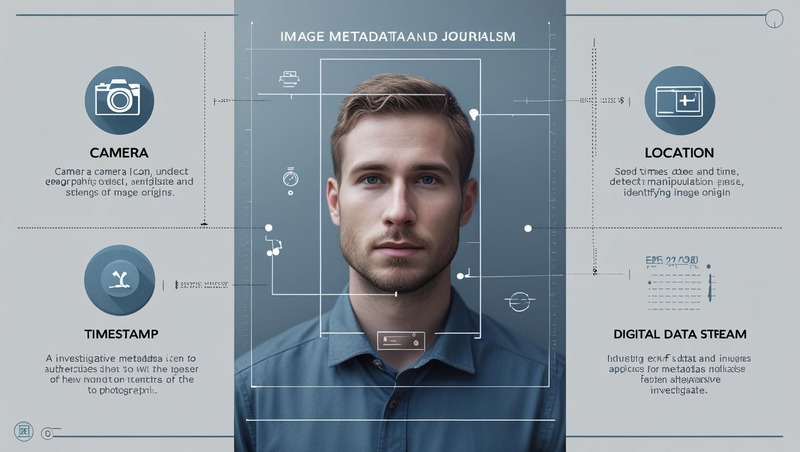
In law enforcement and journalism, image metadata is used to verify the authenticity of photos. Investigators often analyze metadata to determine if a photo was manipulated, where it was taken, and when.
How to View Image Metadata
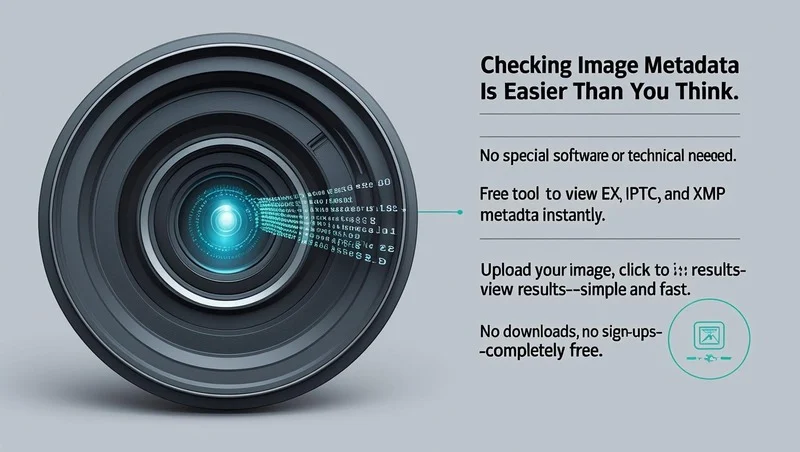
Checking image metadata is easier than you think—and you don’t need any special software or technical skills.
Our free online Image Metadata Viewer tool makes it super simple. Here’s how it works:
- Upload your image (drag and drop or select from your computer)
- Click to view results
- Instantly see all available metadata, neatly displayed
You’ll be able to view EXIF, IPTC, and XMP data in just seconds—no downloads, no sign-ups, and completely free to use.
Who Can Benefit from Viewing Image Metadata?
- Photographers and Creators: Track your camera settings, monitor edits, and ensure proper copyright info is included.
- Travel Bloggers and Influencers: Double-check that sensitive GPS info isn't being shared without your knowledge.
- Business Owners and Marketers: Optimize image metadata for SEO and brand consistency across online platforms.
- Investigators and Researchers: Verify image authenticity, timestamps, and editing history for reports or casework.
- A Journalist Verifies a Photo: A journalist receives an image claiming to be from a recent event. By checking the metadata, they find the photo was taken years ago—exposing misinformation.
Tips for Managing Image Metadata
Here are a few practical tips for managing image metadata effectively:
- Always check metadata before sharing online, especially if the photo contains personal or location-sensitive data.
- Add your name and copyright to the metadata of photos you create to establish ownership.
- Use metadata to organize your photos—add tags or descriptions to make them easier to search and sort later.
- Be mindful of metadata when editing—some editing tools may strip metadata or replace it with new info.
- Use the free “image metadata” tool to stay informed about what your photos are revealing behind the scenes.
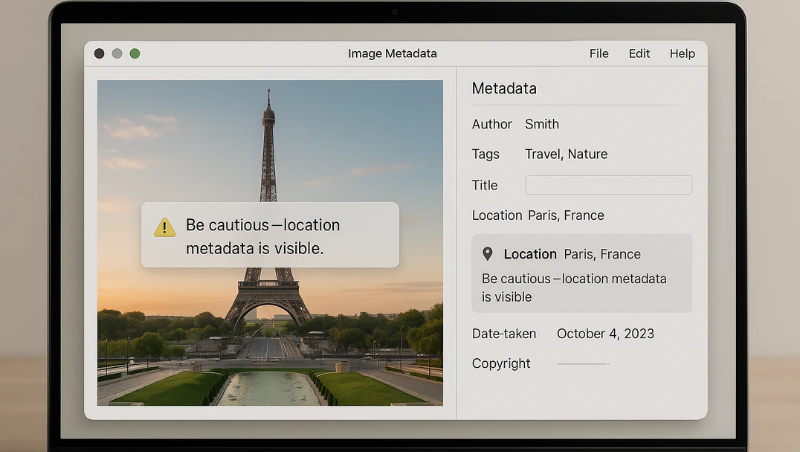
Image metadata is like the DNA of your photos. It quietly holds valuable details that can help you understand, protect, and manage your digital images better. From boosting your photo organization to keeping your private info safe, knowing what metadata is—and how to view it—can make a big difference.
With our free image metadata tool, anyone can quickly and easily view the hidden data in their photos. Try it out now to see what your images are saying—because sometimes, the most important details are the ones you can’t see.